Automatically mark unnecessary emails as read.
Email Hero quietly sorts your Gmail. The stuff that doesn’t need you gets marked read and moved out. What matters stays put.
Coming soon for iPhone · Works with Gmail
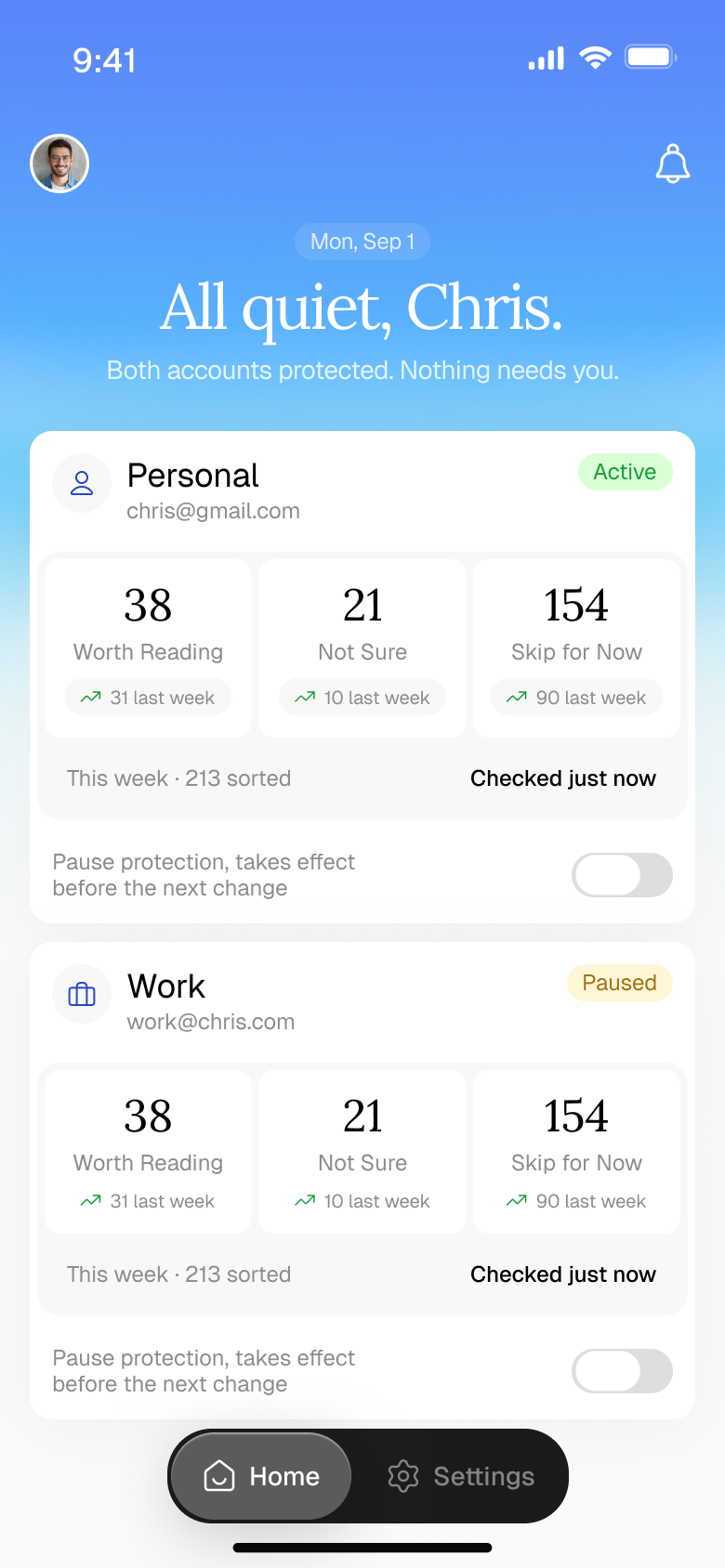
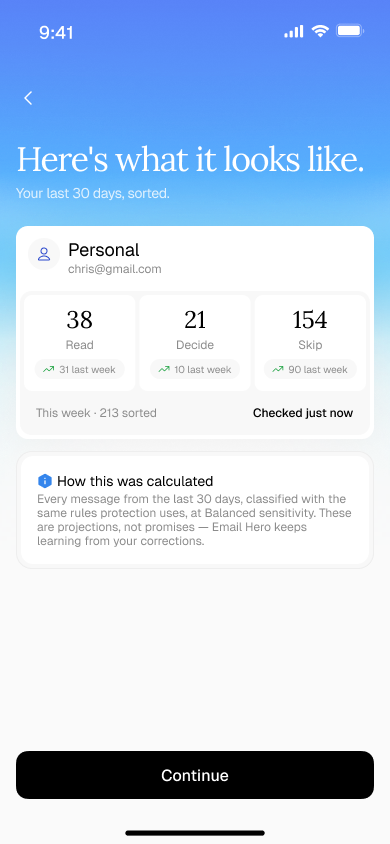
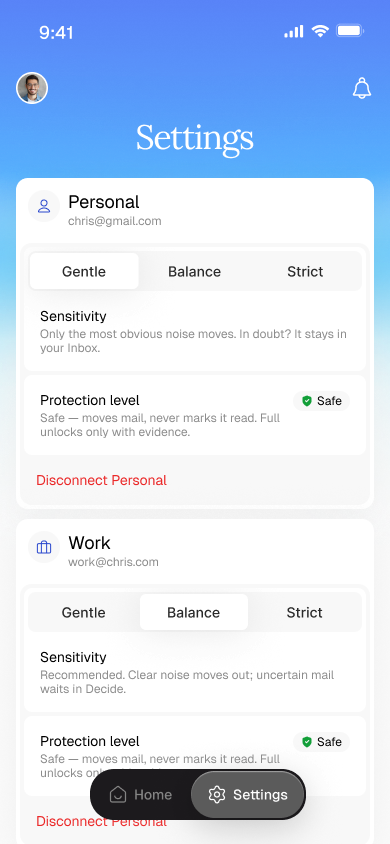
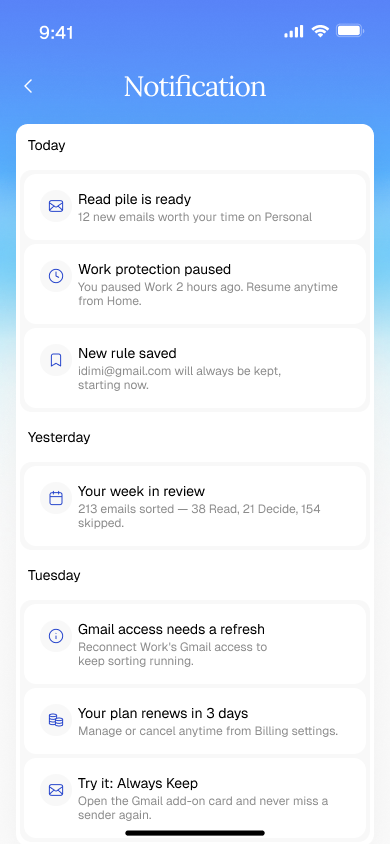
Your quieter inbox · app design preview
Features
Keep unread worth reading
Less noise, fewer decisions, and the same Gmail you already use.

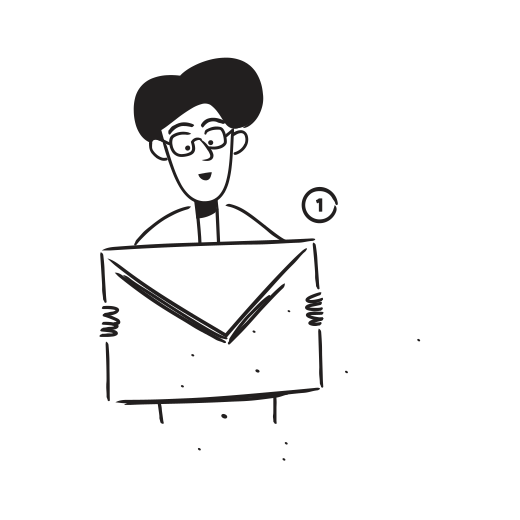
Let unnecessary mail move aside
Low-priority messages get marked read and archived. They stay in Gmail, ready to find when you need them.
Keep the important stuff unread
Important messages stay in your inbox. If Email Hero isn’t sure, the message stays unread so you can make the call.
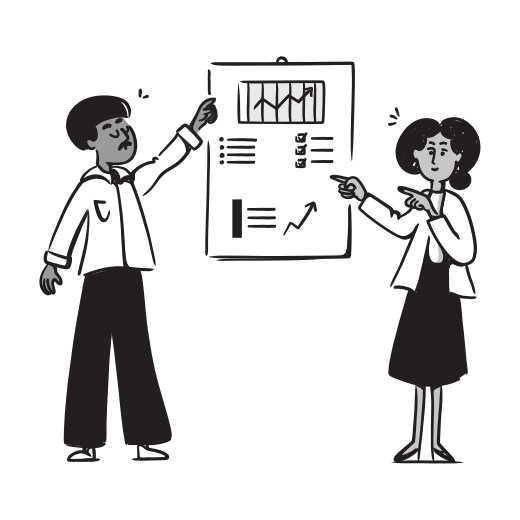
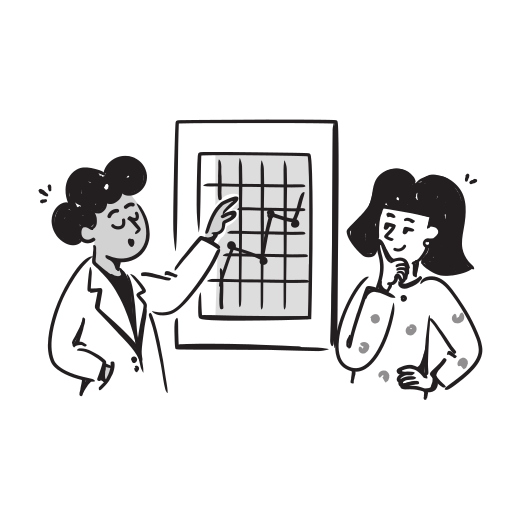
Stay in control of every decision
See why a message was sorted, correct a decision, or undo a change. Pause sorting whenever you want.
How It Works
Three steps to a quieter inbox
Connect Gmail. Let Email Hero sort. Read what matters.
Connect Gmail. Connect your Gmail account. Keep reading, replying, and searching in the inbox you already use.
A quieter inbox, without changing where you read your mail.
Availability
Your inbox, with less noise
Plans and prices are shown in the app before you subscribe.
- Gmail Integration
- Automatic Sorting
- Decision Explanations
- Sorting History
- Unread Protection
- One-Tap Undo
- Your Preferences
- Pause Anytime
FAQ
FAQs
Your questions answered
Email Hero
Does Email Hero replace Gmail?
What happens to mail marked Skip?
What if Email Hero is unsure?
More questions
When can I get the app?
How is my email data used?
Can I change my mind?
Coming Soon
Let unread mean worth reading.
Spend less time sorting your inbox and more time on the messages that need you.
For iPhone · Works with Gmail